


The Partner app is where you manage links, accounts, and earnings across the Partner Program. Six sections, one login.
Getting in
Click “Join now” on partners.livechat.com or any partner page, fill in the sign-up form, and you get instant access. No approval wait for the base account.
Home
Landing screen after login. Shows a performance snapshot and links out to every other section. Includes an optional walkthrough if you want a guided first pass.
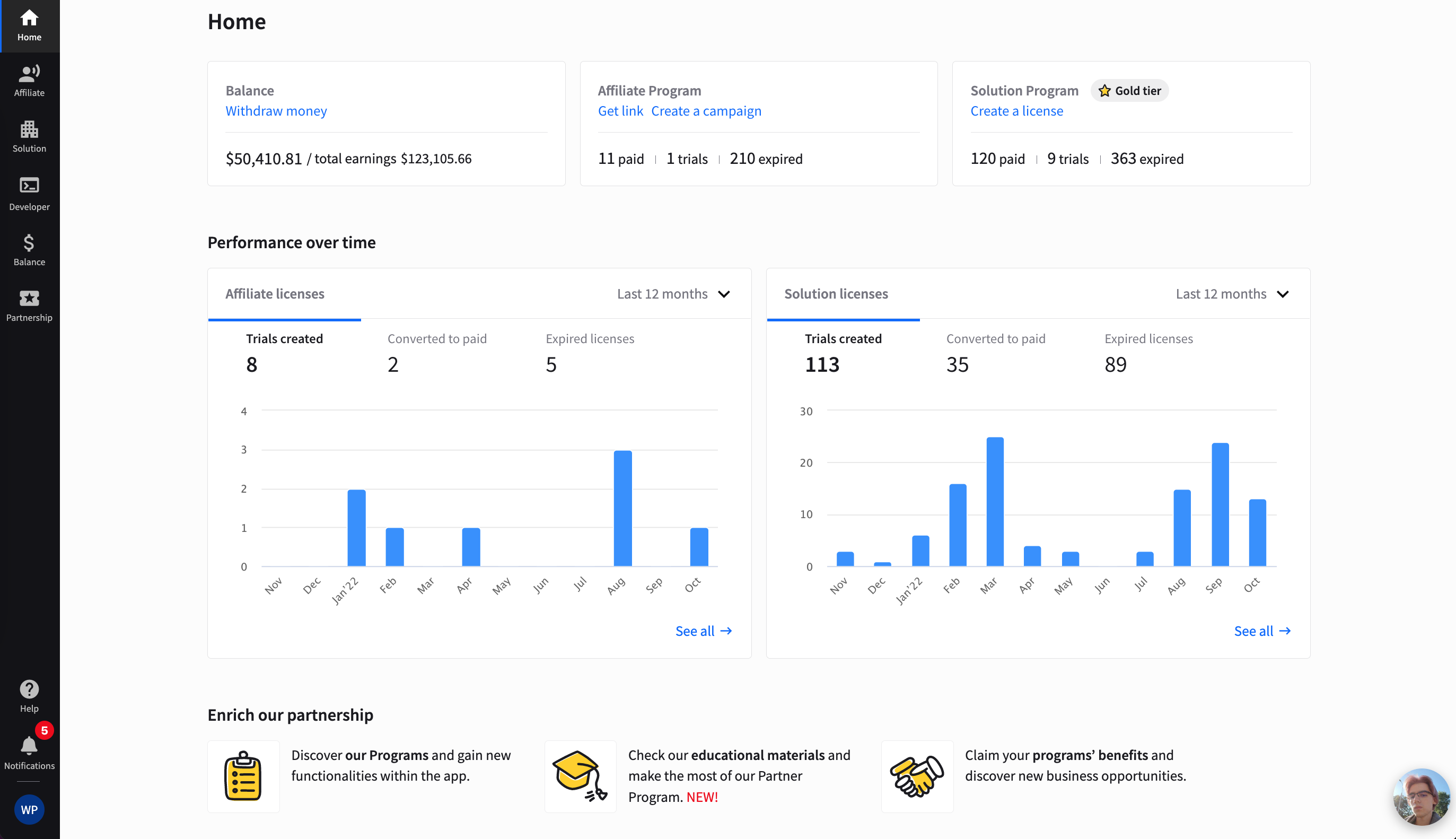
You can start a quick tutorial to get started smoothly (click “Let’s get started”), or you can just browse through the particular sections of the app. Here’s a quick overview of each of them.
Affiliate — this section is dedicated to partners that want to refer our products to their audience. Inside, you’ll find your affiliate links (both products and a Second Tier link), a campaign builder, marketing resources, and your performance. Among marketing resources, you can find banners, widgets, logos, tweets and other promo content.
The most important part of the Affiliate section is the Campaigns tab. It allows you to create custom campaigns and measure their success.

Solution — here, you can set up new trial accounts, customize some of their parameters, and track the performance of accounts you’ve already created. You’ll find here a wide range of sales resources that you can use during your sale demos as well as training materials for you and your customers.

Developer - did you ever hear about our Developer program? In short, it allows you to build apps, features or tools, and sell them on our partner directory. In this section of our app you can join this program.

Balance — no need to explain it further. Here, you can see how much you have earned, and request a withdrawal.

Partnerships — in this section, you can learn the difference between our programs and read about the benefits they give you. You can also request listing your company on our Marketplace and make it visible to over 34k our customers.