When a customer needs to hire a business for a specific use case, they turn to the partner directory. This directory lists all kinds of partners that Text customers can work with, covering a variety of industries and services.
We actively add businesses to our directory to help customers find the services they need. If your business is already in the directory, you can claim your profile to join the Text Partner Program and instantly become a Solution partner.
How can I claim an existing profile on the partner directory?

To claim your partner profile:
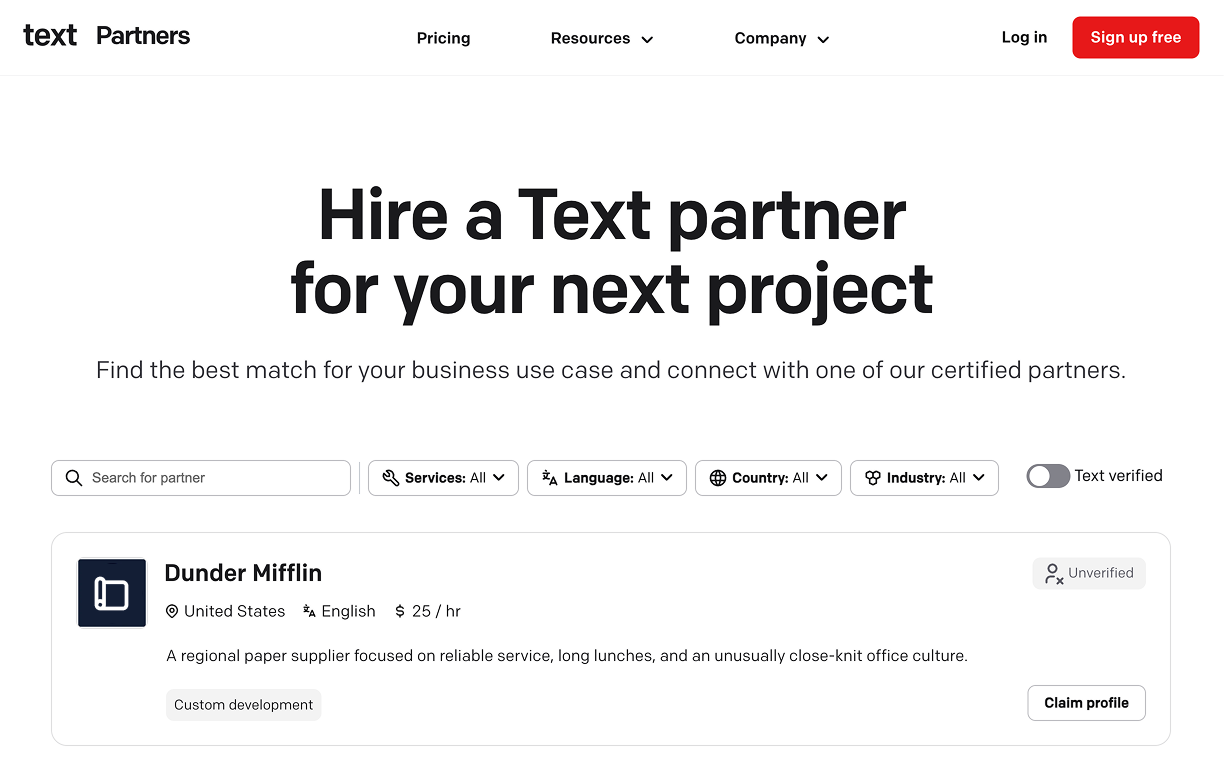
- Open the partner directory, find the profile you want to claim, and select the Claim profile button.
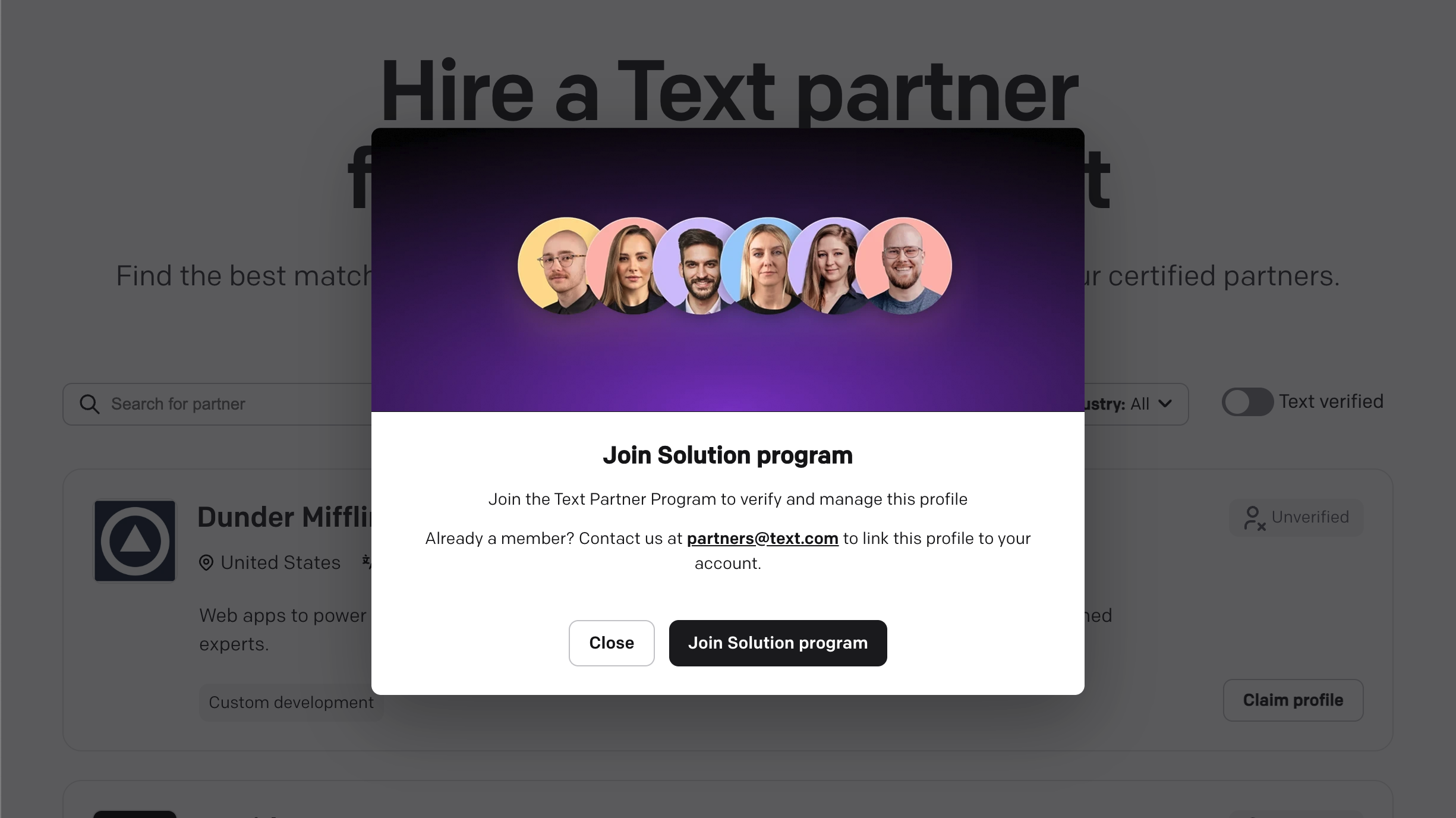
- In the pop-up modal, select Join Solution program.
- Then, follow the steps to create your partner account. Make sure to register with your business email, as it will be connected to your partner profile.
- Once you create your account, you’ll see the Partner app, which will automatically display the profile you selected to claim. From there, you can send a claim request or choose a different profile.
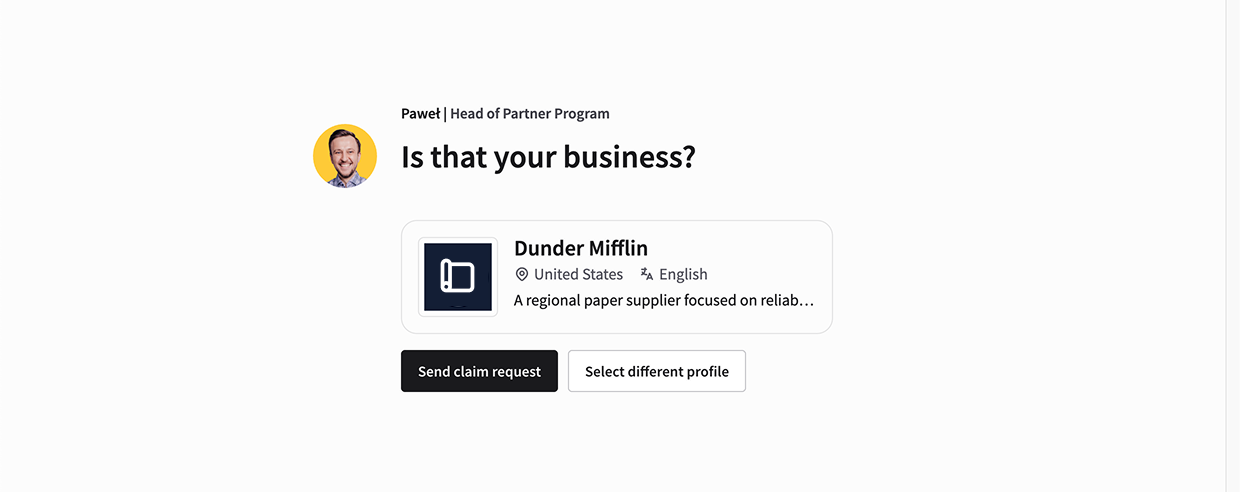
- After you send the request, we’ll verify it and send you an email with our decision.
What should I do if I created a product account instead?
No problem! If you signed up for one of our products instead of the Partner Program, you can still claim your profile.
Here’s how:
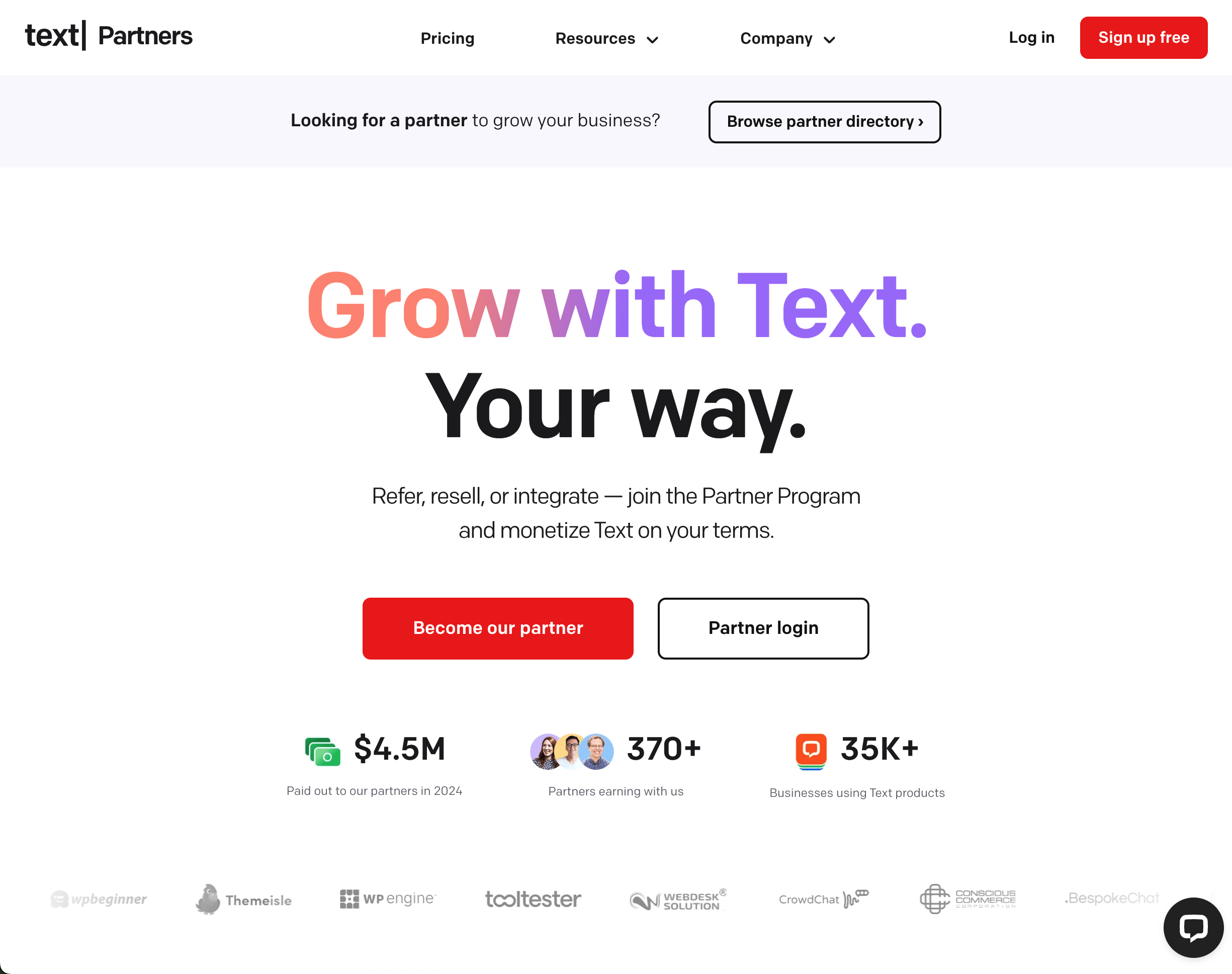
- Navigate to the partner website and select the Become our partner button.
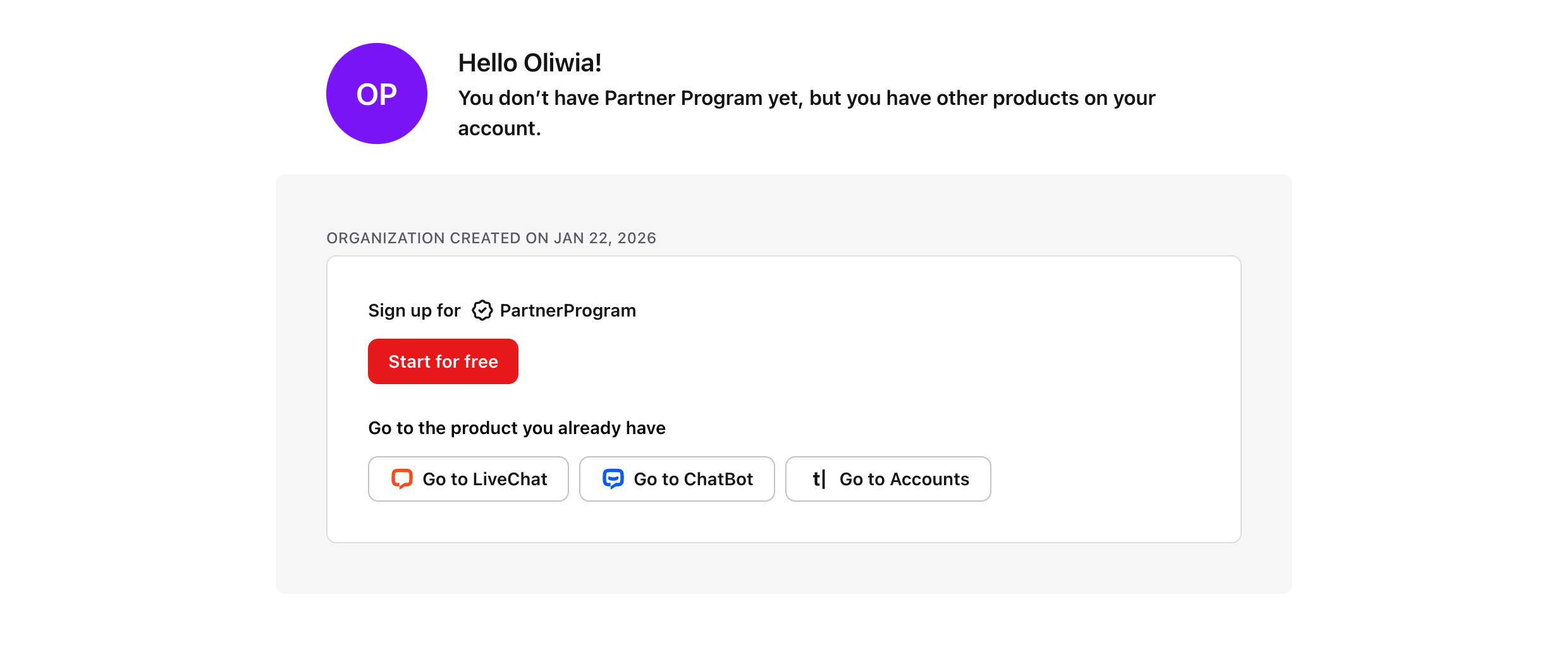
- Log in to your registered account, then select Start for free in the Sign up for Partner Program section.
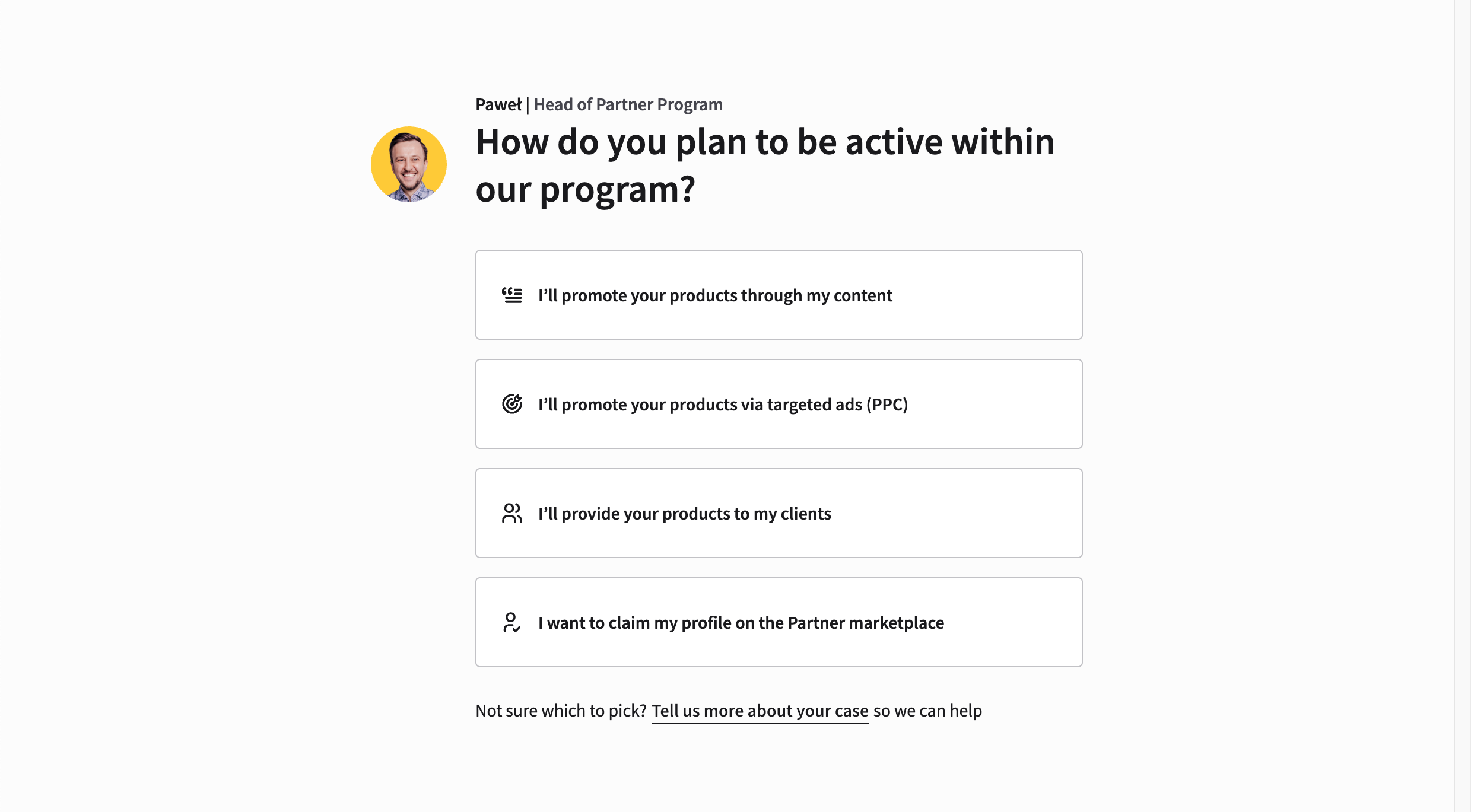
- In the partner onboarding, select I want to claim my profile on the Partner marketplace.
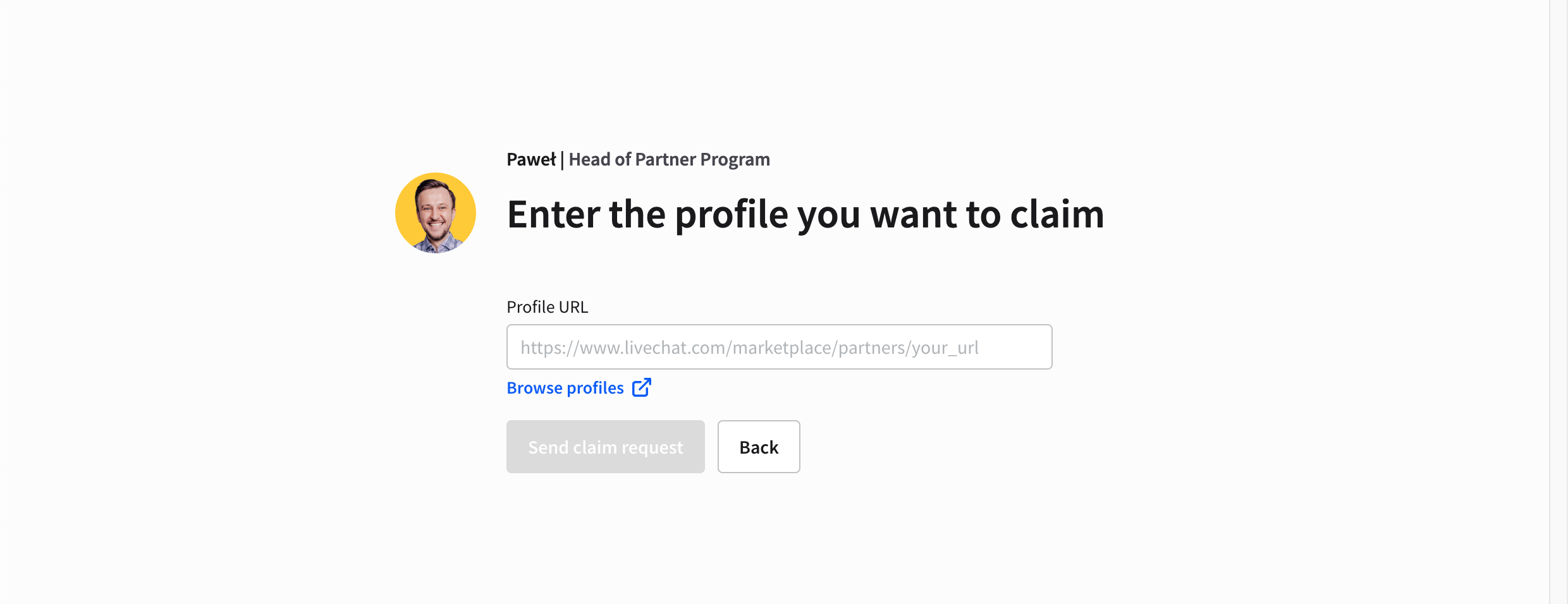
- We’ll ask you to provide the URL to the profile you want to claim. You can also browse profiles from this step — when you find your profile, just copy its direct link. After you enter the URL, you can send a claim request.
- That’s it! Now, our team will review your application and send you an email with our decision.
How can I update my claimed profile?
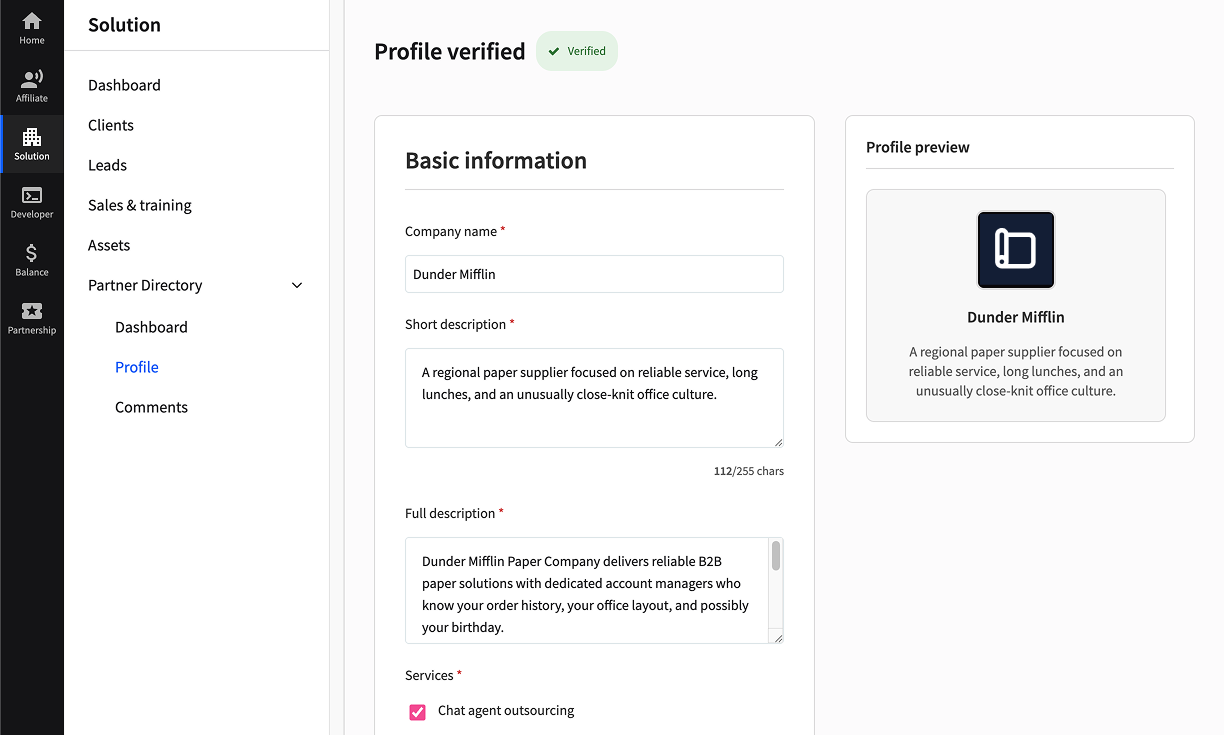
After you claim your profile, we encourage you to update your partner listing. This lets you tailor it to your target audience and better highlight your expertise.
You can update your partner directory profile in the Solution > Partner Directory section in the Partner app.

How can I unlist my business profile from the partner directory?
If you’re the owner of a business listed in the partner directory and want your profile to be removed, contact us at partners@text.com to remove your listing. When your profile is removed, we delete any scraped data related to your business from our database.
Why is my business listed in the partner directory?
We use automated tools (often called web crawlers or scrapers) to collect publicly available information from official business websites. This process is similar to how search engines work: the software visits your public web pages and extracts key business details and service descriptions.
We only gather information you’ve intentionally made public on your site. Our intention in listing your business is to benefit both our users and your company — we help our customers find relevant businesses, and we provide your business with additional visibility.